


Lets be honest here Most of the drone x pro reviews are by either written by people. Or Someone that wants to sell you the product Or by people. Someone who took it out twice in an empty lot and that‘s that. Neither is especially helpful when you’re trying to figure out whether $99 is worth spending.
So here’s what I actually want you to know going in: this drone is fine. Not amazing, not a scam — fine. It does what a beginner drone should do, it costs what a beginner drone should cost, and it falls short in the places that beginner drones always fall short.
The camera is not 4K. The battery lasts 10 minutes. The GPS is basic at best. If none of that surprises you and you just want an affordable way to get into flying, read on. If you need professional footage, close this tab and save up for a DJI.
Still here? Good. Let’s get into the actual details.
Quick Answer (TL;DR)
- Around $99. Foldable. Fits in a jacket pocket. Beginner-friendly controls.
- Video is 720p — not 4K, whatever the ads say. Photos top out at 12MP.
- You get about 10 minutes of flight per battery. Buy spares immediately.
- Great starting point for hobbyists. Not for anyone who needs footage they can actually sell.
- S. law: if it’s 250g or over, register with the FAA before you fly. It’s $5.
Table of Contents
What the Drone X Pro Actually Is
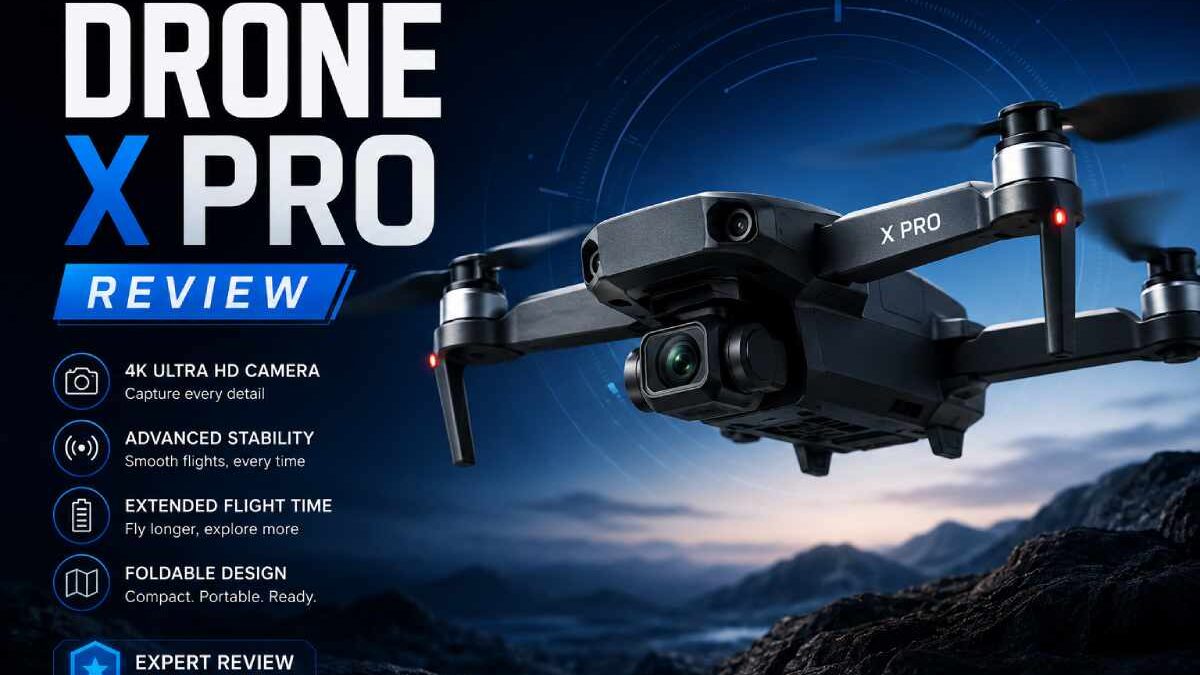
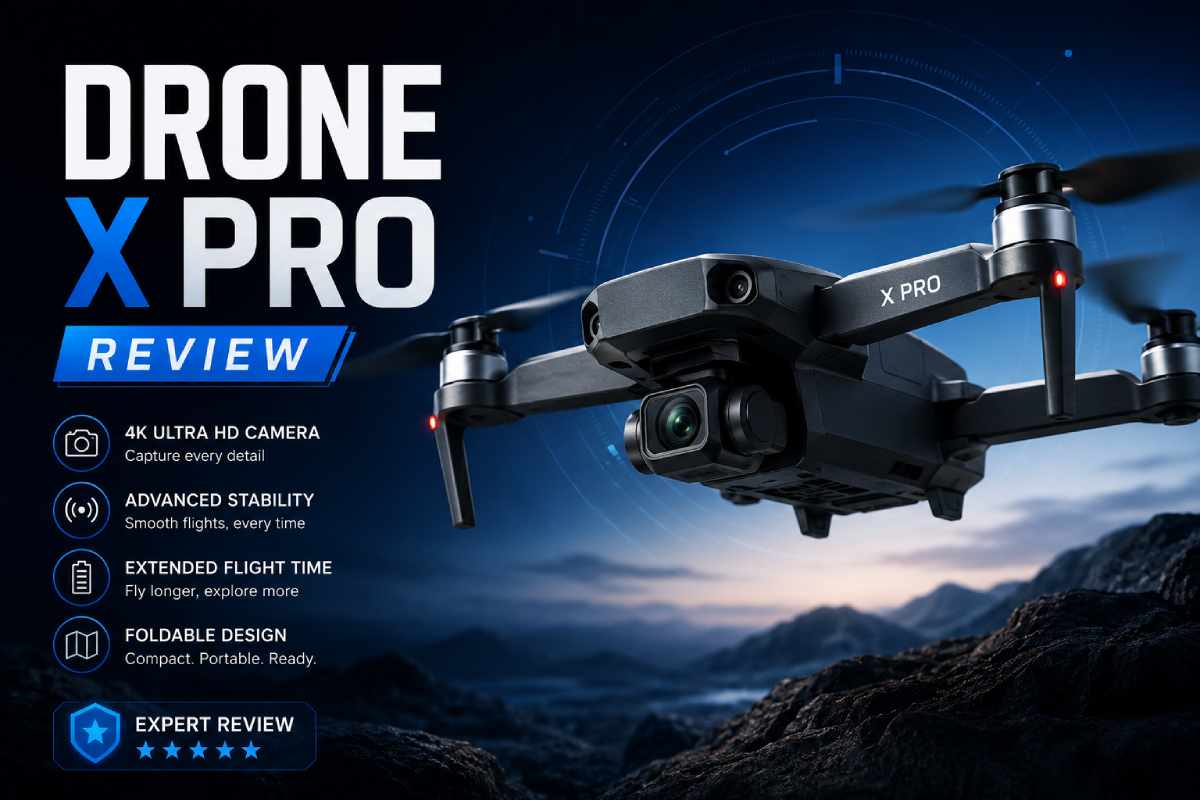
Plain definition: the Drone X Pro is a small, foldable quadcopter drone built for beginners. It has an HD camera, basic collision sensors, a companion app, and comes with its own remote. It’s designed to be cheap, portable, and easy enough that a first-timer can get it airborne without reading a 40-page manual.
It’s an upgraded version of the original DroneX — same concept, cleaner frame, better controls. The folded size is legitimately impressive. We’re talking jacket-pocket small. Weigh that against a DJI Mini which still requires its own dedicated case, and portability is genuinely one area where the Drone X Pro punches above its price.
So the company attempts to sell the product to photographers, tourists and the public user. In reality the potential market is more niche: those who want to practice the aerial-photography without having to spend too much. That’s a real and valid use case. It’s just not as broad as the advertising suggests.
Full Specification
| Specification | What You Actually Get |
| Video Resolution | 720p HD (not 4K — this matters) |
| Photo Resolution | Up to 12MP still images |
| Flight Time | ~10 minutes per charge |
| Charge Time | ~60 minutes |
| Control Range | Advertised at 12km; real-world varies, and FAA visual line-of-sight rules apply anyway |
| Weight | Under 1 lb — right around the FAA’s 250g registration threshold |
| Folded Size | ~12.5 × 7.5 × 5 cm — genuinely pocket-sized |
| App Connectivity | Wi-Fi via smartphone app + included remote controller |
| Camera Lens | 120° wide-angle |
| Flight Features | Altitude hold, headless mode, 3-speed settings, 360 degrees panorama, gesture control, gravity sensor, VR mode |
| Safety | Basic collision sensors, LED lights for night visibility |
| Price (USA, 2026) | ~$99 |
Who Should Actually Buy This
Forget the broad marketing pitch. Here’s the real breakdown.
It makes sense if you are:
- A complete beginner who wants to learn drone flying without spending $400+ on your first crash
- Someone who travels a lot and wants a pocketable camera drone — landscape shots, trip memories, that kind of thing
- A parent buying a first drone for a teenager who’s shown genuine interest in the hobby
- Someone who tried filming from the ground and wants a better angle, nothing more
- Curious about aerial photography but genuinely unsure if you’ll stick with it
Walk away if you are:
- A real estate photographer, wedding videographer, or anyone whose clients are paying for footage
- An experienced pilot — the control sensitivity and GPS precision will frustrate you within a week
- Planning to fly in coastal wind, open fields on breezy days, or anywhere with unpredictable gusts
- Looking for proper obstacle avoidance, a stabilized gimbal, or reliable return-to-home GPS
- Operating commercially — that requires FAA Part 107 certification and significantly better equipment
Camera: The 720p Conversation We Need to Have
Some listings for this drone mention 4K. I want to be direct: the Drone X Pro records video at 720p HD. Not 1080p, not 4K. 720p. That’s the actual output.
Still photography is more respectable — 12MP images in good daylight come out sharp enough to post or print at normal sizes. The 120 wide-angle is perfect for landscape shots. And the 360 degrees panorama mode does work, but the stitched result is much softer than a normal shot.
The bigger issue isn’t resolution — it’s stabilization. There’s no mechanical gimbal on this drone. What that means in practice: any wind movement, quick turn, or altitude change shows up in your footage as shake. The onboard electronic stabilization softens this somewhat, and it does put the Drone X Pro ahead of similarly priced drones that have nothing. But if you’ve seen DJI footage, don’t expect that.
Realistic use cases for the camera: travel clips for personal use, social media posts where 720p is fine, aerial landscape stills for casual photography. Not realistic: real estate listings, client work, YouTube channels where viewers will notice quality.
How It Actually Flies
In calm weather, pretty well. The altitude hold feature is legitimately useful — set your height, let go of the throttle, and it hovers there without you fighting to keep it steady. For new pilots especially, that takes a huge amount of cognitive load off.
Three speed modes mean you can start slow and cautious, get comfortable, then open it up a bit. Headless mode removes one of the most confusing parts of early drone flying: which direction is “forward” when the drone is facing you. In headless mode, pushing the stick forward always means the drone goes away from you. Simple. It works.
Wind is where things get humbling. The drone weighs under a pound, and that same lightness that makes it so portable makes it susceptible to getting pushed around. Users generally report it handles up to around Beaufort wind scale level 7 — but sudden direction changes in gusts can send it drifting before you have time to correct.
Start your first few flights on calm days. Seriously. Not because the drone can’t handle some wind, but because you need to know how it responds to your inputs before you’re also fighting weather.
Battery Life — The Biggest Complaint, and It’s Justified
10 minutes. One charge. Hour to refill. This is the most common frustration in user reviews across every platform, and I’m not going to soften it — 10 minutes is not a lot.
To put it in context: you spend 2 minutes getting it in the air and positioned. Another minute adjusting altitude. You start filming. You get maybe 6 or 7 minutes of actual usable footage before you’re landing and waiting an hour. That’s the reality.
The fix is simple and costs maybe $20–$30: buy two or three spare batteries when you order the drone. Three batteries gives you 30 minutes of air time in a session. That completely changes the experience and turns a frustrating limitation into a manageable one.
The App and Controller
The remote is the highlight of the control setup. It‘s well-pannned; the controls are where you want them, and you can access the three speed settings without needed by adjusting properties. It takes about 30 seconds to calibrate and the drone is ready to lift.
The app is more complicated. Connect via Wi-Fi and you get live video feed, voice control, gesture control, VR goggles mode, and replay. On paper that’s an impressive feature list for the price. In practice it depends heavily on your phone.
Android users generally report a decent experience — the app holds a 3.5/5 on Google Play. iPhone users are in rougher shape. App Store ratings sit significantly lower, with connectivity issues being the main complaint. It works, but you’ll likely spend some time troubleshooting on iOS.
If you‘re on iPhone, update the app before your first flight, ensure your phone‘s Wi-Fi is only used for the drone connection and temper your expectations a little. Not broken, just not the same as Android.
USA Drone Laws — Read This Before You Go Outside
This section exists because a surprising number of people unbox a drone, go outside, and fly it without knowing there are federal rules that apply to them. The FAA’s rules for recreational flyers aren’t complicated, but ignoring them can lead to fines starting at $27,500. Five minutes now saves a lot of grief later.
What recreational drone pilots in the USA are required to do:
- Register your drone if it weighs 250 grams or more. The Drone X Pro sits right around that threshold depending on the version — check yours. Registration is $5, takes 10 minutes at FAA DroneZone, and covers every drone you own for three years.
- Take the TRUST safety test. Free, online, about 15 minutes. You’re legally required to carry your completion certificate when you fly.
- Put your FAA registration number on the outside of the drone. It needs to be readable. A small sticker label works fine.
- Stay at or below 400 feet in uncontrolled (Class G) airspace.
- Keep it in visual line of sight. This is why the 12km range claim is kind of irrelevant — you legally have to be able to see the drone with your own eyes.
- Check airspace before flying. The B4UFLY app shows you controlled airspace, temporary restrictions, and no-fly zones. Use it every time.
- Remote ID compliance. Since September 2023, drones that require registration must broadcast Remote ID. Older Drone X Pro versions may need an add-on broadcast module.
State rules layer on top of this — Drone U’s USA state-by-state breakdown is the clearest resource I’ve found for checking what applies where you live.
Honest Pros and Cons
| What Works | What Doesn’t |
| Folds down to jacket-pocket size — actually portable | 10 minutes of flight time. That’s it. |
| Beginner controls that don’t require a manual | Video is 720p — not 4K, whatever the ads imply |
| $99 entry point — low cost to find out if you like this | iOS app is noticeably worse than Android |
| Altitude hold works and genuinely helps beginners | Wind above moderate levels = stability problems |
| Headless mode removes a major source of beginner confusion | No gimbal — footage shakes in wind or fast movement |
| 12MP stills are solid in daylight | GPS return-to-home is unreliable — don’t depend on it |
Claims That Need Correcting
“It shoots 4K.”
False. 720p is the actual video resolution. Some listings reference the still photo capability or use 4K loosely in marketing. The video output is 720p. Check this before buying if resolution matters to you.
“12km range means you can fly it 12km away.”
Technically the signal can reach that far under ideal conditions. Practically, FAA rules require you to keep your drone within visual line of sight — meaning you can see it with your own eyes, unaided. That’s a few hundred meters at most, not 12km.
“The collision sensors prevent crashes.”
They help. They’re not magic. The sensors can detect objects nearby and trigger an automatic direction change. They’re not the sophisticated multi-directional avoidance systems on $600+ drones. You still need to fly attentively — the sensors are a backup, not a substitute.
“It’s too technical for beginners.”
Genuinely the opposite. One-touch takeoff, headless mode, altitude hold, three speed settings — this is about as beginner-accessible as drones get. Most people are flying within 10–15 minutes of unboxing. The controls are not the problem with this drone.
Common Mistakes — Skip These
- Flying before checking the airspace. Takes 2 minutes in B4UFLY. Do it every time, not just the first flight.
- Skipping gyro calibration. 30 seconds before each flight. It genuinely improves stability. Don’t skip it.
- First flight on a windy day. Learn the controls in calm air first. Compensating for wind while you’re still figuring out basic inputs is a recipe for a crash.
- Not ordering spare batteries. This is the single most impactful thing you can do to improve your experience. Order them with the drone.
- Expecting footage you can use professionally. 720p is fine for personal use. Going in with wrong expectations is how a $99 drone ends up feeling like a disappointment.
What to Look at If This Isn’t the Right Fit
| Drone | Price | Who It’s Actually For |
| Drone X Pro | ~$99 | First-timers, travelers, casual hobbyists |
| Holy Stone HS720E | ~$180–$220 | Hobbyists who want real GPS and 4K without DJI prices |
| DJI Mini 4 Pro | ~$760+ | Content creators, serious hobbyists, anyone who needs quality |
| Autel EVO Lite+ | ~$600–$700 | Advanced users, professional-adjacent imaging work |
Questions People Actually Ask
Does the Drone X Pro shoot 4K video?
No. Video is 720p HD. Still images go to 12MP but video is capped at 720p.
Battery life — how bad is it really?
About 10 minutes per charge. Recharge takes an hour. It’s the main complaint across every review platform, and it’s valid. Spare batteries are the fix — two extras runs you $20–$30 and triples your session length.
Do I have to register it with the FAA?
(If your model is over 250 grams?) Yes, FAA registration is a $5 fee that covers all of your drones for 3 years and takes about 10 minutes. Don‘t forget to do this.
Is it actually good for beginners or is that just marketing?
Actually nice! The headless mode, altitude hold, 1-touch take-off & landing, 3-speed modes all make this truly beginner friendly. It‘s extremely easy to fly out of the box.The beginner-friendly claims are real.
iPhone or Android — does it matter?
It matters. Android users have a noticeably better app experience. iOS ratings are significantly lower. iPhone users should update the app before flying and expect occasional connectivity issues.
Does it have GPS?
Some versions have a basic return-to-home GPS. It works as a rough safety net. Don’t rely on it the way you would a DJI’s precision GPS — they’re not in the same category.
Bottom Line: Should You Buy the Drone X Pro?
If you’re new to drones, want something you can throw in a bag, and don’t need footage you can sell — yeah, probably. The $99 price means the stakes are low enough that even if you fly it for a month and move on, it’s not a painful mistake.
The drone x pro review landscape is full of either glowing praise or dramatic disappointment, and the truth is somewhere boring in the middle. It’s a functional beginner drone. It has real limitations. The battery situation is annoying and the camera isn’t what some ads make it sound like.
Get the spare batteries. Take the TRUST test. Check your drone’s weight against the 250g FAA threshold and register if needed. Then go fly it somewhere with a good view on a calm day. You’ll have a better time than you expect.
When you’re ready to step up, the mid-range options like the Holy Stone HS720E or eventually a DJI Mini will feel like a completely different world. But you’ll fly better because you learned the basics on something that didn’t cost you $700.